
Appearance
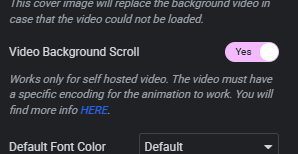
Video Background Scroll — File Encoding and Format
To use the Video Background Scroll feature, your video file must have a specific encoding for the scroll animation to work correctly.
Converting Your Video
Use the online tool at ffmpeg-web.vercel.app to convert your file — no software installation needed.
- Upload your
.mp4or.movfile on the right side of the page. - Copy and paste the command below, replacing the filename with your own:
bash
ffmpeg -i yourfile.mov -vf scale=2000:ih/2*2 -movflags faststart -vcodec libx264 -crf 23 -g 1 -pix_fmt yuv420p output.mp4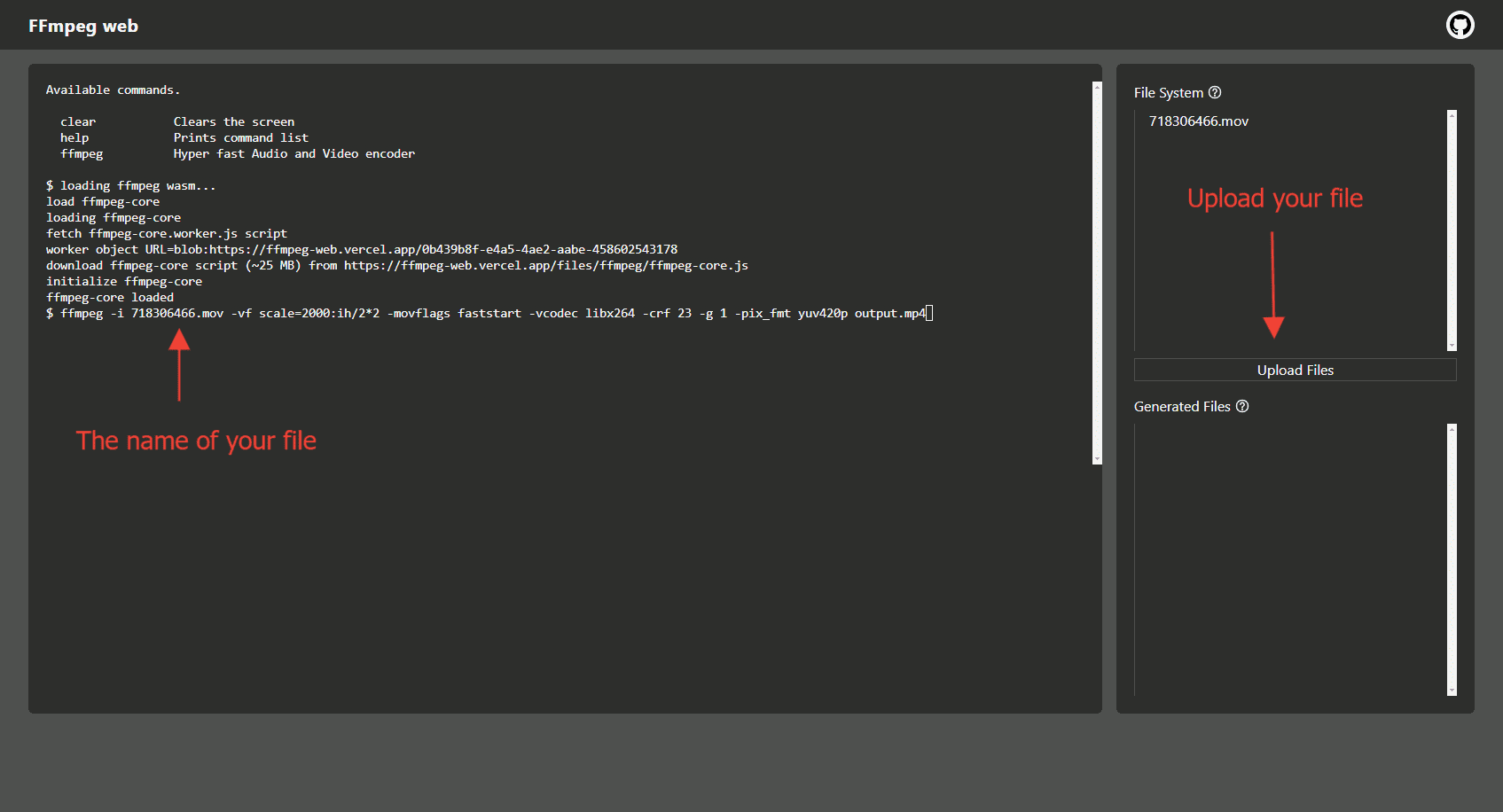
- Hit Enter and wait a few minutes for the conversion to complete.
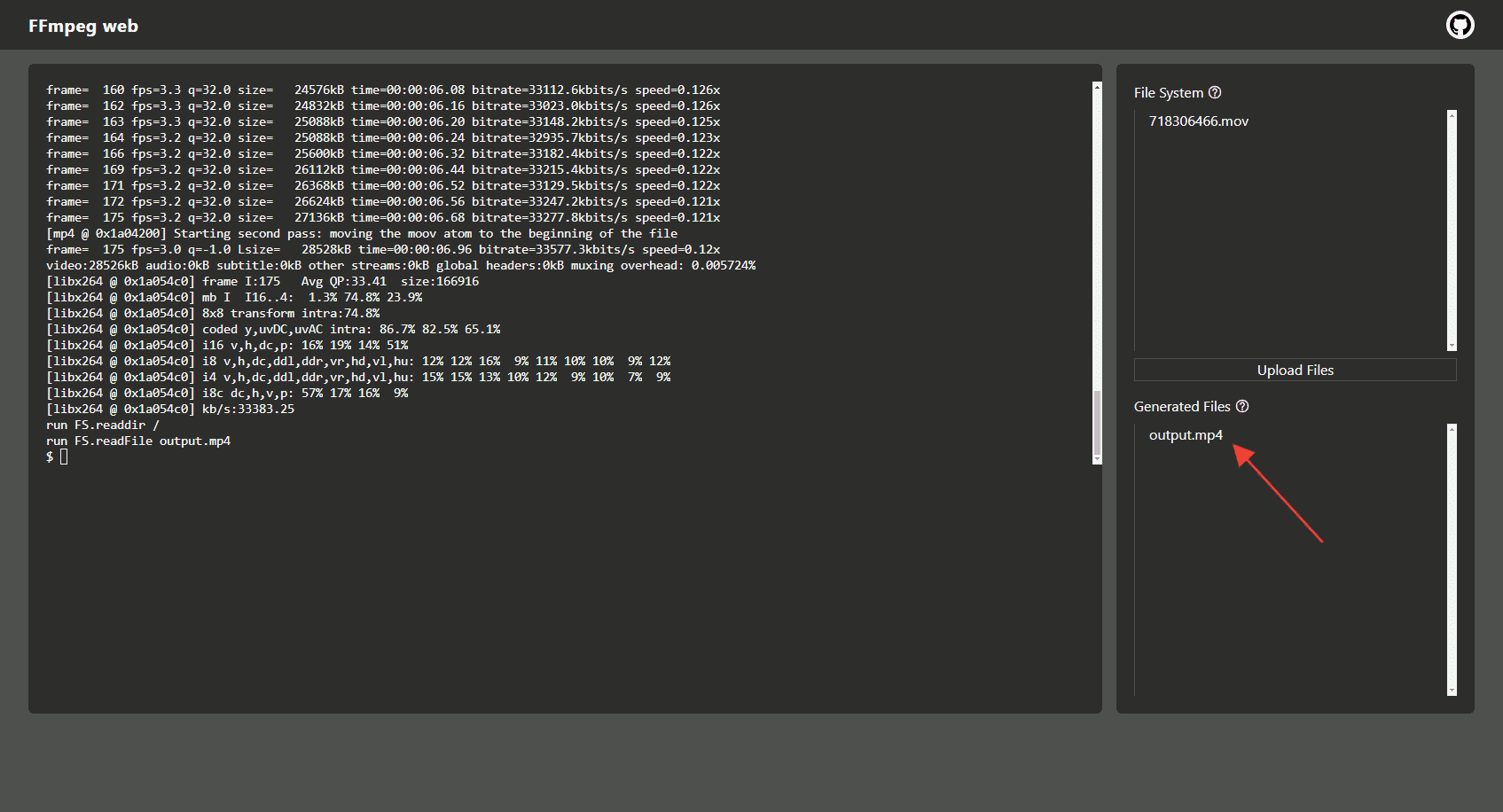
- Download the converted file and use it in the Video Scroll element.
The video will animate frame by frame as the visitor scrolls down the page.