
Appearance
Import Demo Data
One-Click Demo Import
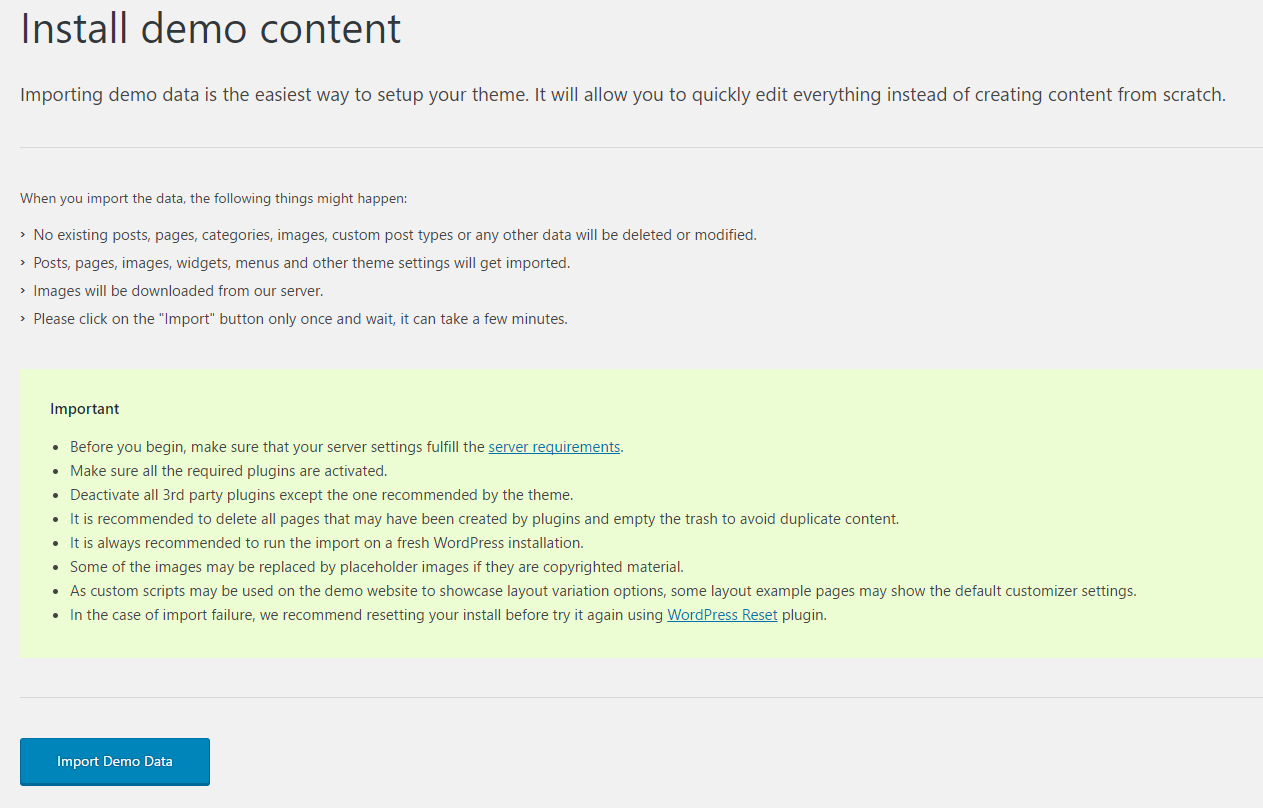
Importing the demo data is the easiest way to set up your theme. It will allow you to quickly edit everything instead of creating content from scratch. In most of our themes you can install the whole demo content through the Appearance > Import Demo Data panel.
Before you begin, make sure that:
- Your server settings fulfill the Server Requirements.
- You have entered your theme license key (Freemius license key for wolfthemes.com purchases, or Envato purchase code for ThemeForest purchases)
- The site language is set to English (United States) under Settings > General. You can change it afterwards.
- All third-party plugins are deactivated except those recommended by the theme.
You must install all required plugins after theme activation. You may be invited to install default plugin pages — decline all plugin page installations to avoid duplicate pages.
Once all plugins are installed, go to Appearance > Import Demo Data, select a demo, click the Import button and wait — it can take a few minutes.
Import Demo Content Manually
If you want to import the demo data manually, or if you have trouble with the one-click importer, please refer to the manual import guide.
Want to skip the hassle? Explore our setup services