
Appearance
Updating Your Theme
Automatic Update via wolfthemes.com (Freemius)
Once your license is activated, Freemius handles update checks automatically. You will be notified right in your WordPress admin dashboard whenever a new version is available, with a one-click update link — no manual download needed.
Automatic Update via Envato Market Plugin (ThemeForest)
The easiest way to keep a ThemeForest-purchased theme up to date is with the Envato Market plugin.
You should be invited to install and activate it on theme activation (on all recent themes). Once installed, go to the Envato Market panel and follow the instructions to connect your Envato account.
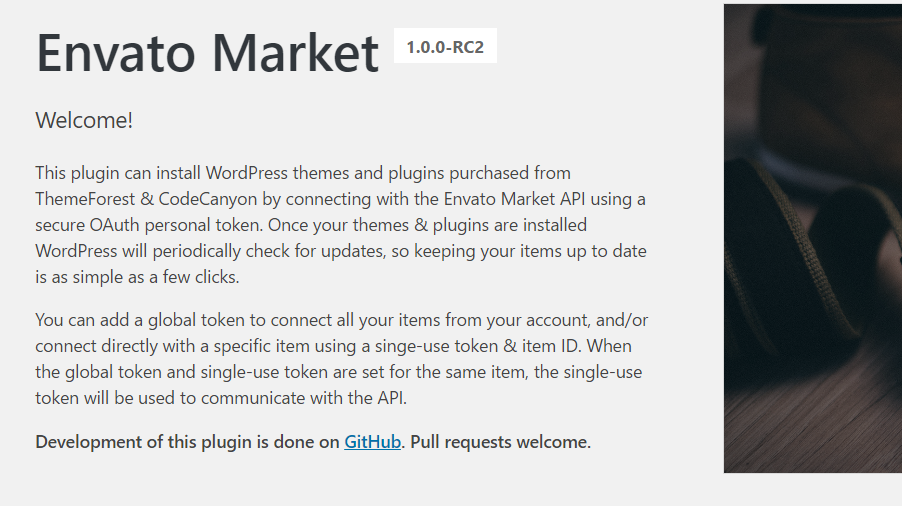
You will be notified in your admin dashboard every time a new version is available. Simply follow the link and update in a single click.
If you can't update from the Envato Market panel, try updating via Dashboard > Updates or Appearance > Themes instead.
Envato tutorial: Install and update your theme with the Envato Market Plugin (option 3)
Manual Update
If automatic updates are not working at all, you can update manually:
- Download the latest theme package from your Freemius account (if purchased on wolfthemes.com), or from your ThemeForest Downloads if purchased there.
- Navigate to Appearance > Themes in your WordPress admin.
- Uninstall the current theme version.
- Re-install the new theme version as you did when you first purchased it.
You will not lose any content or settings by updating this way.