
Appearance
Import Demo Sliders (Slider Revolution Templates)
After importing the demo content, you may see a message that a slider is missing on some pages. Sliders built with the Slider Revolution plugin cannot be imported automatically using the one-click demo import — you must import them manually.
How to Import
First, get the slider template files from your theme documentation under the Install Revolution Sliders section.
Or use the direct download link below, replacing decibel with your theme slug (e.g. poize, sable, nordkapp):
https://downloads.wolfthemes.cloud/?theme=decibel
Download the demo data files and locate the sliders in the revslider folder.
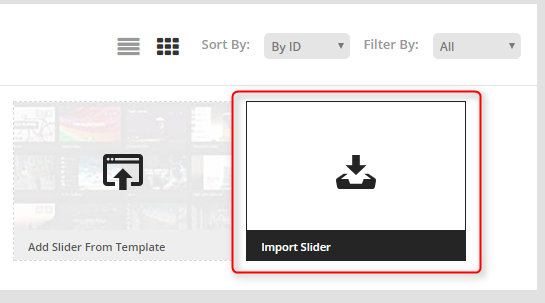
To import a slider, navigate to the Slider Revolution panel in your WordPress admin, click the Import Slider icon and select the slider zip file from the revslider folder.
Want to skip the hassle? Explore our setup services